Code
quarto use template nrennie/PrettyPDFIn this post I’ll walk us through how we can create some pdf reports in python and quarto, how to properlly publish it and how to automate the process of creating the reports.
We first need to set things up. For the purpose of this article, we will be using VSCode with Quarto to develope this project.
You can follow the Quarto website tutorial to install Quarto and the VSCode extension.
After you have your quarto extention installed, you can create a new project by clicking on the Quarto icon on the left side of the VSCode window and then clicking on the “New Project” button.
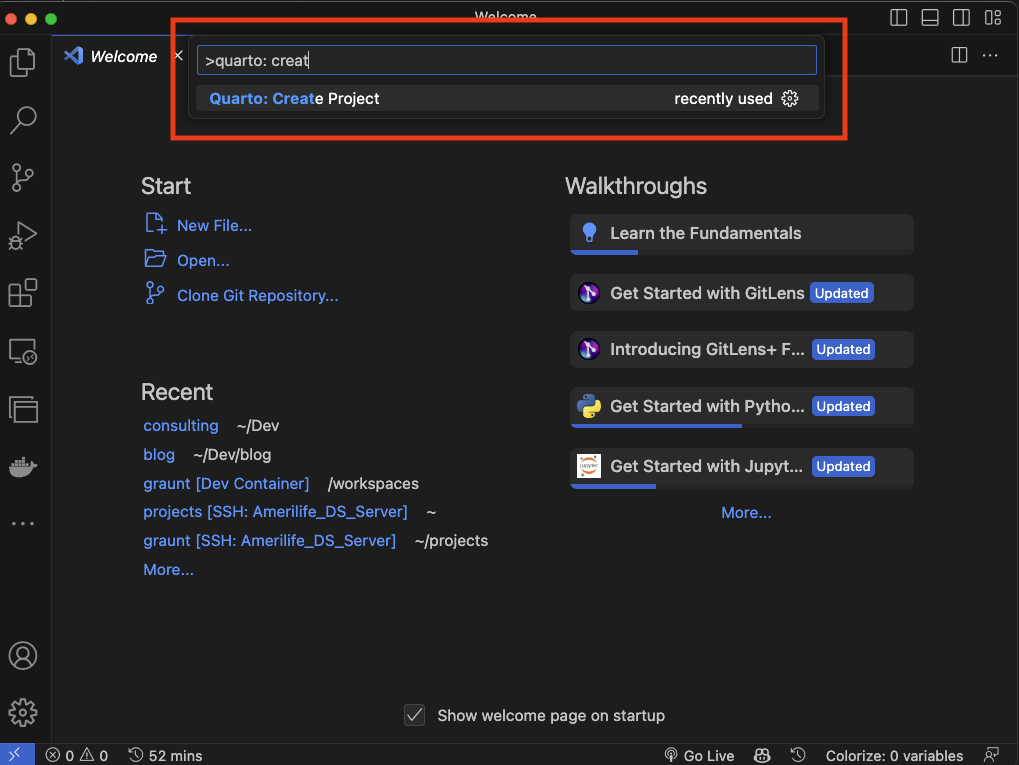

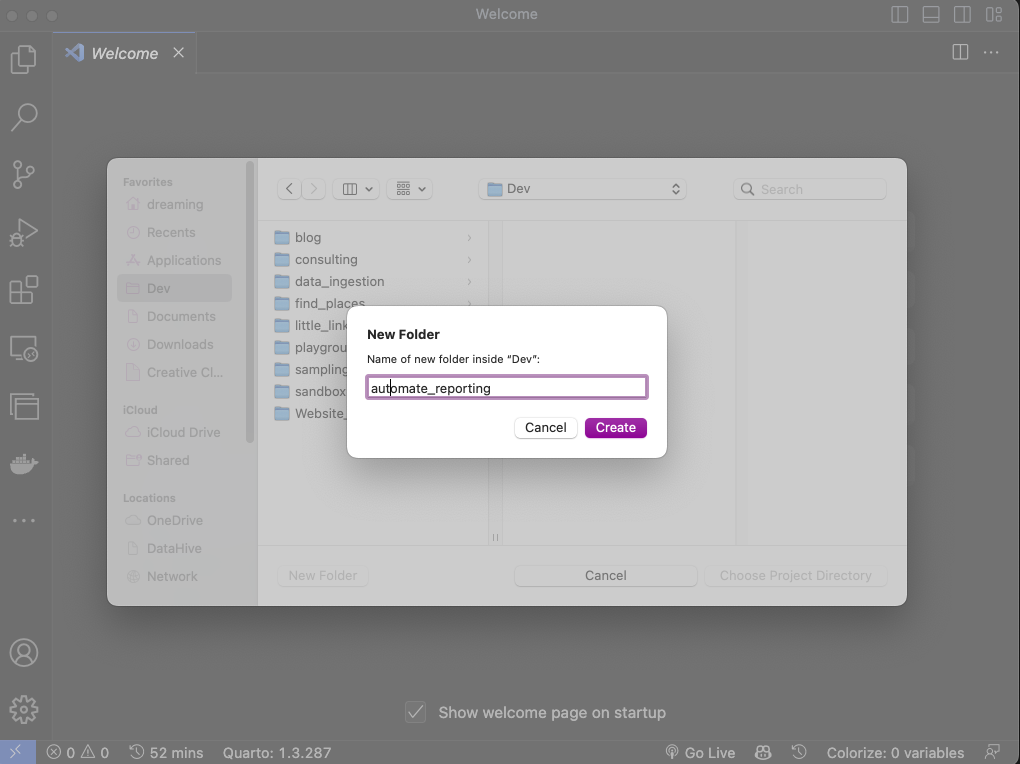
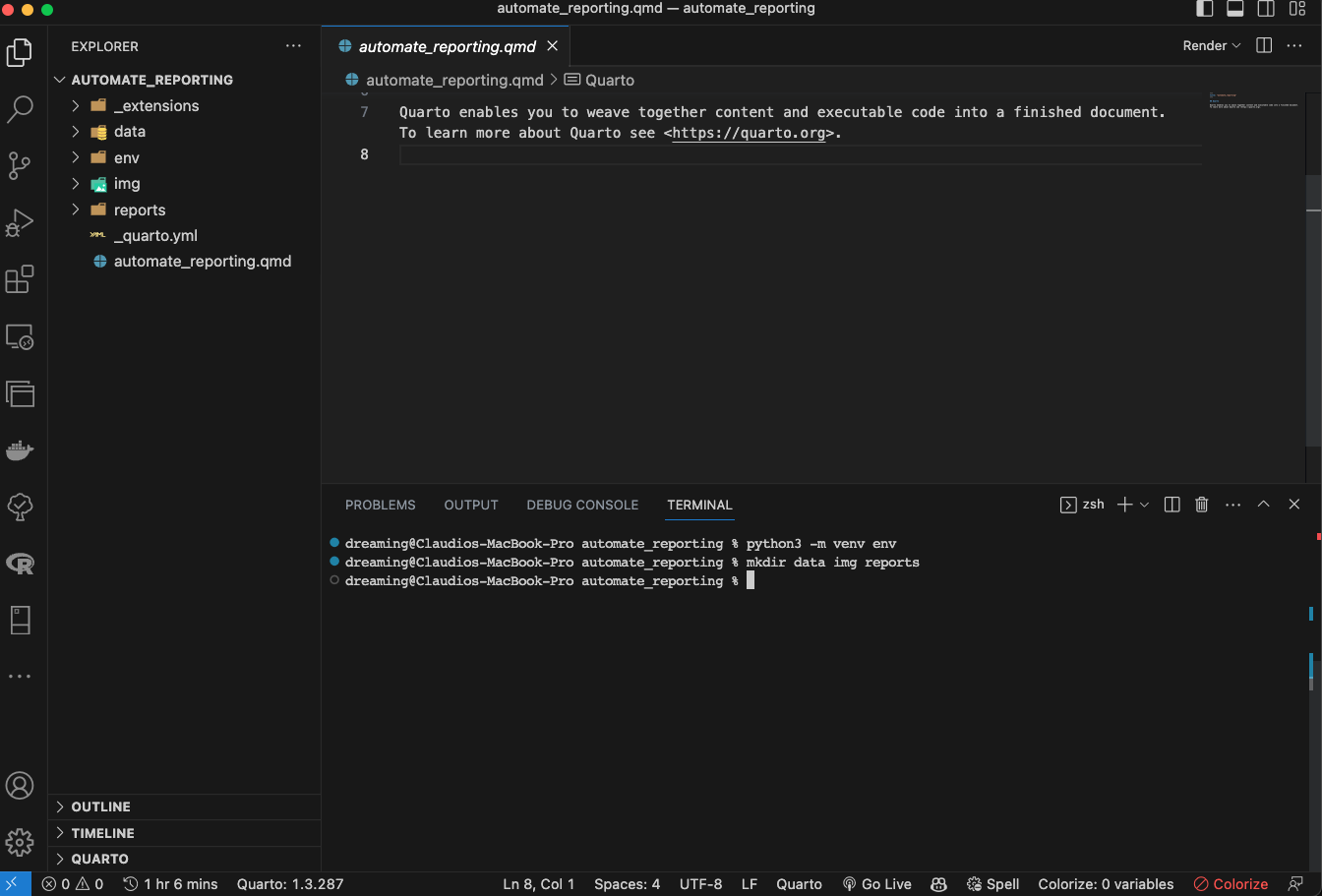
After that, you will see something like this:
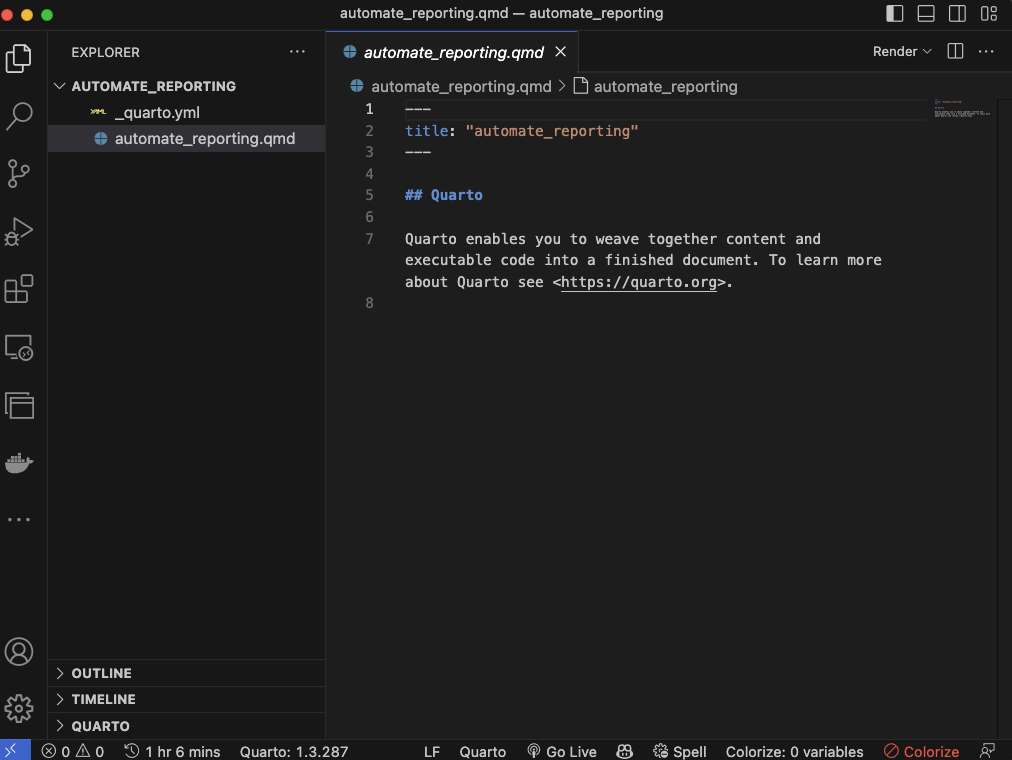
As you can see we have 2 files. _quarto.yml and automate_reporting.qmd.
To make our lives easy we will install a pretty cool quarto extention called PrettyPDF, which will help us to make our pdf reports look better. To install the quarto extension and use the template file:
quarto use template nrennie/PrettyPDF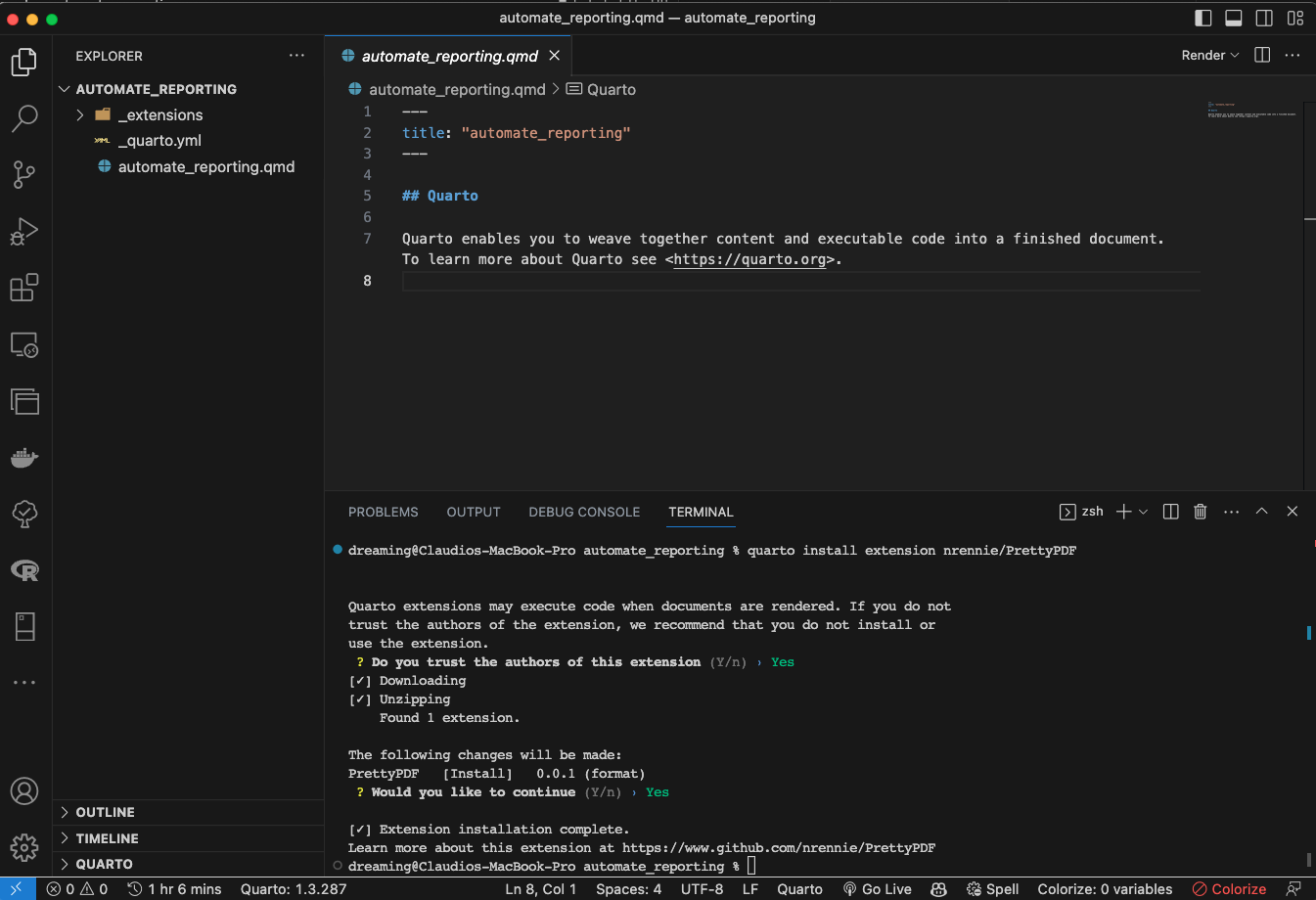
And finally, lets create a envoirement for this project.
I am on Mac so this is the command:
python3 -m venv .venvAnd to finish this part, I’ll just create the folder structure we will be using for this project.
On the next post we will start to create the report and see how we can automate the process of creating the report.